Best Client Portal Software in 2026 (Honest Comparison)
Best client portal software in 2026, honestly compared: 8 tools by job, from free to $299/mo. The market hit ~$1.96B — but bigger isn't the best fit.
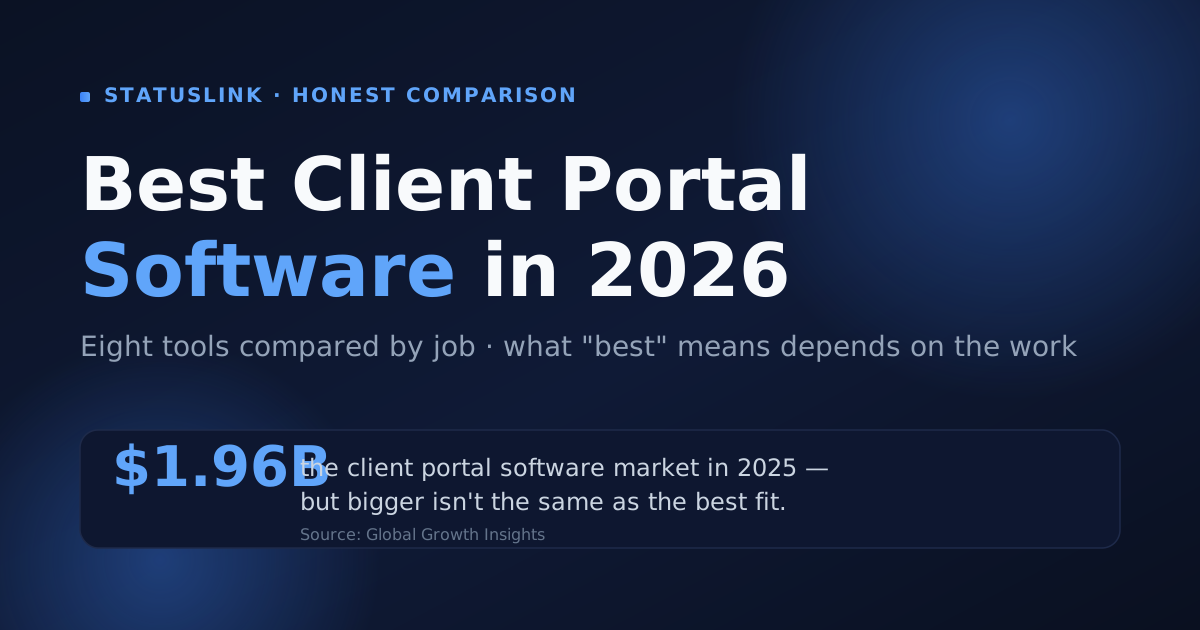
The client portal software market reached roughly $1.96 billion in 2025 and is forecast to hit $3.68 billion by 2034 (Global Growth Insights). With that much money in the category, there's no shortage of tools claiming to be the best — and almost no agreement on which one is. That's not an accident. The "best" client portal software depends entirely on the job you're hiring it to do.
So this comparison doesn't crown a single winner. Instead it ranks eight tools by category: best all-in-one, best for freelancers, best for productized services, best no-login option. Each gets a verified price and an honest catch. And it's upfront about the case where the right answer isn't a portal at all.
Key takeaways
- There's no single best client portal software — the best fit depends on the job, so we award by category instead of a fake #1.
- The market reached about $1.96B in 2025 (Global Growth Insights), but most clients open one screen: "is this on track?"
- Cheapest honest all-in-one: SuiteDash, $19/mo flat with unlimited clients. Best no-login option: StatusLink, free to start.
- 57% of departing clients cite poor communication (Focus Digital, 2026) — for retention, visibility beats feature count.
What makes the best client portal software?
The best client portal software is the one your clients actually use — which usually means the one with the least friction, not the most features. About 67% of customers would rather use self-service than talk to a rep (Document360, 2025), but only when self-service is genuinely easier than asking you directly. A tool that buries status behind a login can undercut the convenience it's supposed to provide.
Five things separate a good pick from a regrettable one:
- Client access model — A login (per-user permissions, private files) or a link (zero client friction). This is the biggest fork in the road.
- White-label branding — The portal represents you, so your logo and colors should be on it — ideally without paying for a higher tier.
- Integrations and sync — A portal is only as current as its data. If your work lives in Trello, Jira, or Asana, a tool that syncs from there beats one you fill by hand.
- Pricing model — Flat-rate, per-seat, or per-client. Per-client pricing quietly punishes growth.
- Breadth vs. focus — A suite that does everything is a suite someone has to set up and maintain.
The best client portal software is the one clients actually use, which usually rewards low friction over feature count. 67% of customers prefer self-service to contacting a rep (Document360, 2025). Evaluate every tool on five things: client access model, white-label branding, integrations and sync, pricing model, and breadth versus focus. Weight the access model highest. Login-or-link decides whether clients ever show up.
What are the 8 best client portal software tools in 2026?
Here are the eight, each with the job it's best for, a verified price, and the honest catch. Read the awards, not a ranking — "best overall" is a category error when a freelancer and a 30-person agency need different tools.
1. StatusLink — best for no-login client status
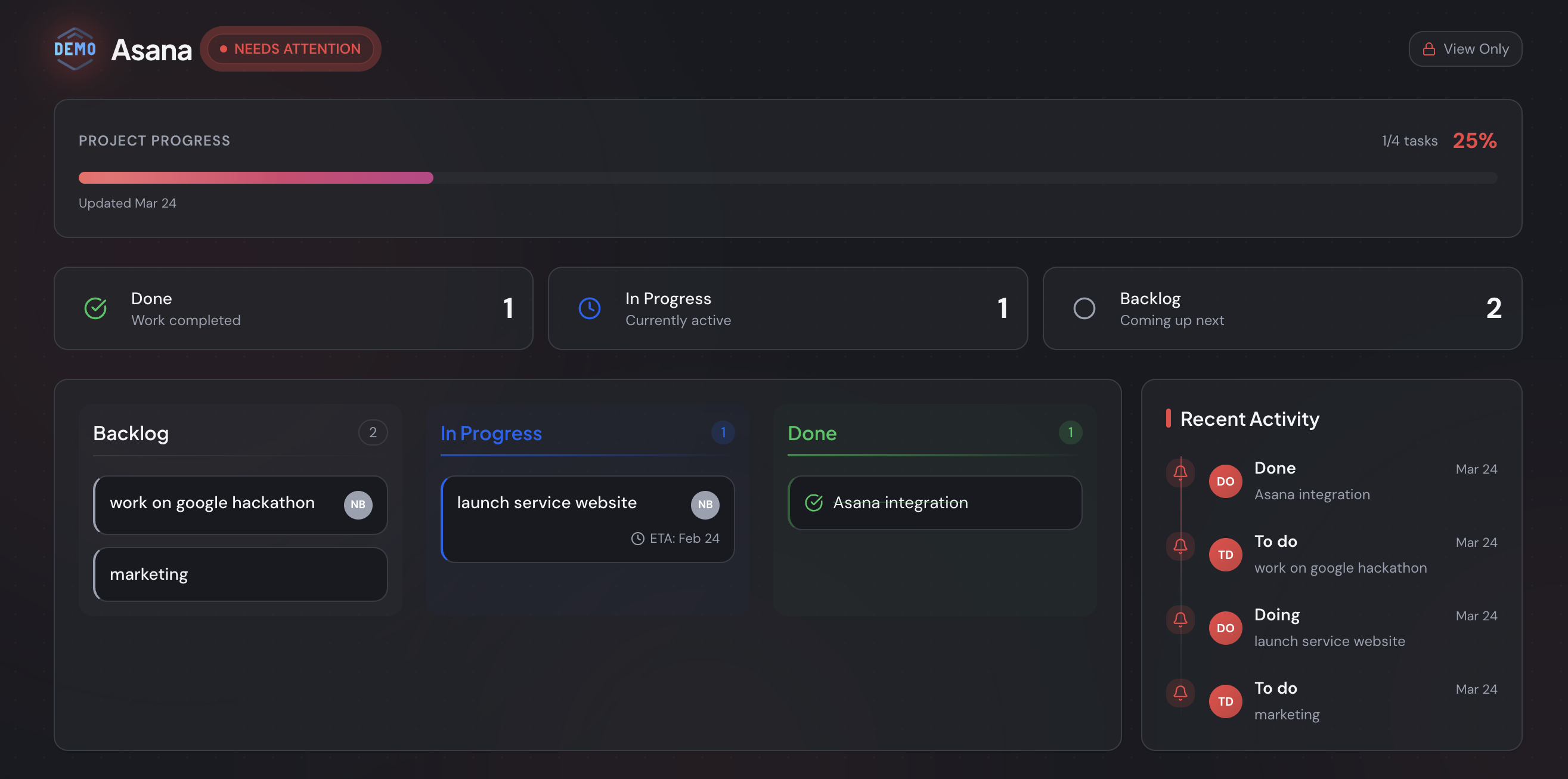
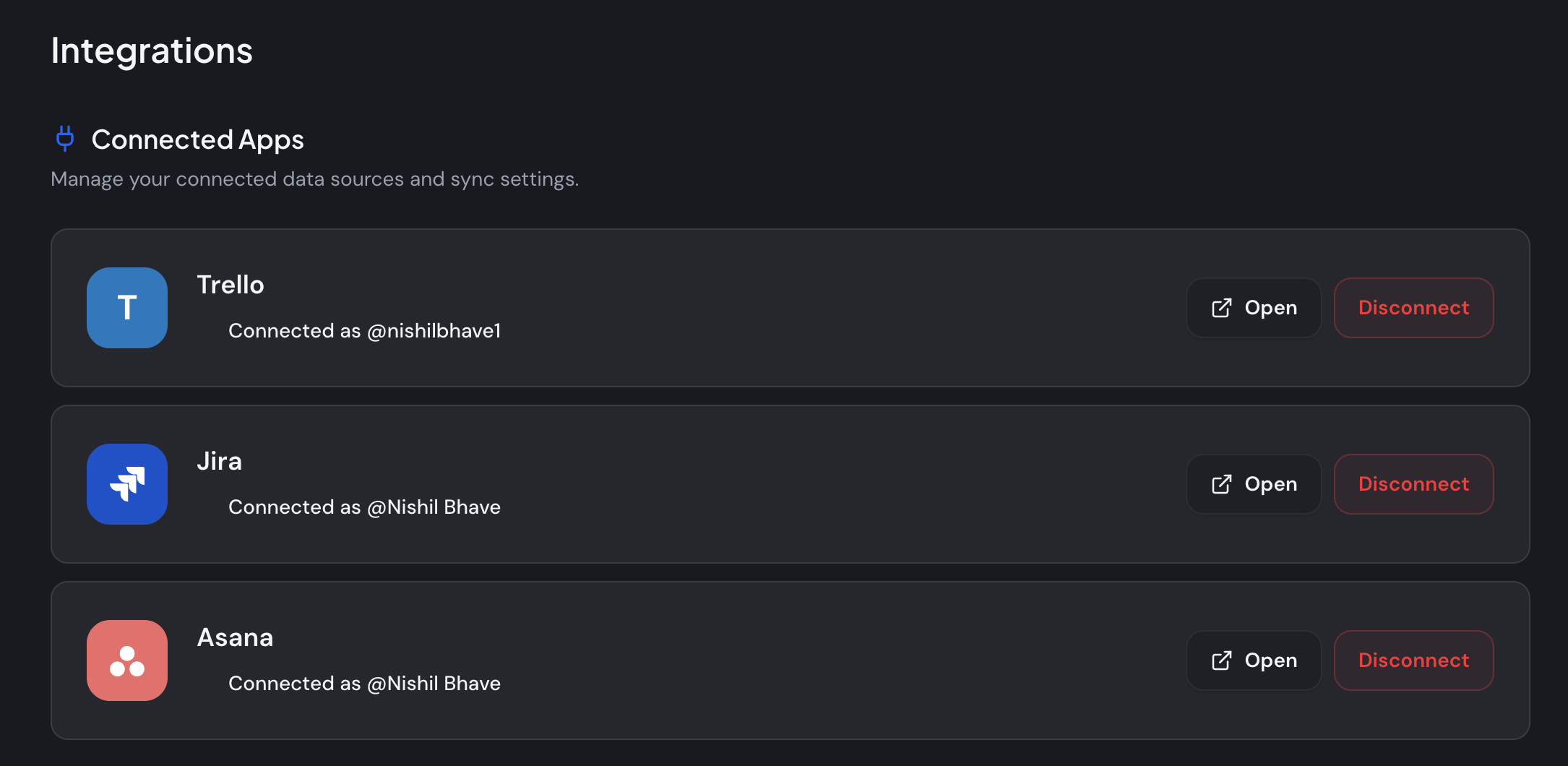
Free to start. StatusLink connects a Trello, Jira, or Asana board and turns it into a branded, read-only status page you share with one link. There's no client account and no setup on their end. It's the pick when the recurring question is "where are we?" and nothing more. The catch is the focus: it's status only, with no invoicing, messaging, or contracts. If clients must pay or sign inside the tool, it isn't your winner — and I'll say so plainly.
2. SuiteDash — best all-in-one value
From $19/mo flat, unlimited clients. SuiteDash bundles CRM, projects, invoicing, files, and a client portal, and even the entry plan includes white-label branding plus unlimited clients and staff (SuiteDash). For a business that genuinely wants one login for everything, the per-feature value is hard to match. The catch: there's a lot to configure before clients see anything polished.
3. Copilot — best premium, polished portal
From around $59/mo (Starter), scaling by clients. Copilot is a sleek, modern portal with apps for messaging, billing, files, and contracts, built for agencies productizing a service. It looks fantastic and feels premium. The catch is exactly that — it's priced and designed for teams turning a service into a product, so it can be more than a smaller shop needs.
4. Hubflo — best for growing service businesses
From $67/mo billed annually (Starter, up to 50 clients). Hubflo is a newer all-in-one for service businesses, pairing branded portals with CRM, projects, forms, proposals, contracts, and payments. Pricing is per internal user rather than per client (Hubflo), which suits a growing team. The catch: it's broad and login-based, so expect real setup before it pays off.
5. Bonsai — best for freelancers who also bill and sign
Around $19–$29 per user/mo. Bonsai is a freelancer operating system — proposals, contracts, invoicing, and a light client portal in one place. It's the winner if you want the business side handled alongside the portal. The catch: you're partly paying for tools beyond client access, so it's more than you need if all you want is status.
6. Moxie — best budget all-in-one for solos
From $12/mo (Starter); 14-day trial. Moxie covers a solo freelancer's whole workflow — projects, invoicing, time tracking, and a client portal — at the lowest entry price among the paid suites (Moxie). The catch: there's no free forever tier, and the portal is one feature inside a fuller system you adopt to get it.
7. ManyRequests — best for productized services
From $59/mo (Core), unlimited clients. ManyRequests is built around request queues and repeatable deliverables, with billing and a branded portal (ManyRequests). For design, video, or marketing shops running a subscription service, it fits the model exactly. The catch: if your work isn't queue-based, much of its strength goes unused.
8. ClientPortal.io — best for WordPress sites
$199/yr, single site. ClientPortal.io is a self-hosted WordPress plugin with unlimited portals on one site (ClientPortal.io). If your site already runs on WordPress, it keeps everything under your own domain at a flat annual cost. The catch: you host and maintain it, and clients still log in.
The eight best client portal tools split by job: StatusLink (no-login status, free), SuiteDash (all-in-one value, $19/mo flat), Copilot (premium), Hubflo (growing service teams), Bonsai and Moxie (freelancers), ManyRequests (productized services), and ClientPortal.io (WordPress). The deciding factor isn't feature count — it's whether clients log in or just click a link, and whether the tool stays current on its own.
How do the best client portals compare at a glance?
The clearest way to compare client portal software is by access model and price, because those two decide adoption and budget faster than any feature list. About 64% of professional-services firms already run a portal (Global Growth Insights) — the question isn't whether to have one, but which model fits how your clients actually work.
| Tool | Best for | Starting price | Client login? | Unlimited clients? |
|---|---|---|---|---|
| StatusLink | No-login client status | Free | No — just a link | No accounts |
| Moxie | Budget all-in-one (solos) | $12/mo | Yes | Yes |
| ClientPortal.io | WordPress sites | $199/yr | Yes | Yes (one site) |
| SuiteDash | All-in-one value | $19/mo flat | Yes | Yes |
| Bonsai | Freelancers who bill & sign | ~$19/user/mo | Yes | Yes |
| Copilot | Premium polished portal | ~$59/mo | Yes | Scales by clients |
| ManyRequests | Productized services | $59/mo | Yes | Yes |
| Hubflo | Growing service businesses | $67/mo (annual) | Yes | Up to 50 (Starter) |
Prices are entry tiers as of June 2026 — always check the vendor page, since plans change. The chart below lines up the starting prices as a monthly figure.
The clearest way to compare client portal software is by access model and price. Around 64% of professional-services firms run a portal (Global Growth Insights), and the real divide isn't the feature list — it's whether clients log in or click a link. Starting prices range from free (StatusLink) to about $67/month (Hubflo), with the cheapest unlimited-client all-in-one at $19/month flat (SuiteDash).
What's the best client portal software for agencies?
The best client portal software for an agency depends on its delivery model, not its size. Productized agencies running request queues fit ManyRequests; high-touch retainers that bill and message inside the tool fit Copilot or Hubflo; and agencies whose clients mainly want progress fit a no-login status page. The stakes are real — 57% of departing clients name poor communication as a reason they leave (Focus Digital, 2026).
That churn stat reframes the whole decision. After building StatusLink and talking with a lot of agencies, I keep seeing the same pattern. Teams buy a heavy suite to look professional, then watch clients ignore everything but the status view. The portal didn't lose the client; the silence between updates did.
So match the tool to how you actually deliver. For the full landscape first, start with when you actually need a client portal. Running a lean shop? See the simplest picks for a small business.
For agencies, the best client portal software follows the delivery model: ManyRequests for productized queues, Copilot or Hubflo for high-touch retainers, and a no-login status page for status-only relationships. And 57% of departing clients cite poor communication (Focus Digital, 2026). So the portal that retains clients keeps them informed without friction — not the one with the most tabs.
What's the best free or cheapest client portal software?
The best free client portal software is StatusLink — free to start, with your branding kept — while the cheapest paid all-in-one is SuiteDash at $19/month flat with unlimited clients. The catch with "free" elsewhere is the fine print. Many free tiers strip white-label branding or cap how many clients you can add. That matters when 88% of customers expect some form of self-service portal (Document360, 2025).
Watch two pricing traps. First, the white-label tax — your-logo branding hidden behind a higher tier, so the cheap plan quietly advertises the vendor to your client. Second, per-seat or per-client pricing that's affordable at two clients and painful at twenty. Pricing rarely drives clients away on its own, though; only 37% of departing clients cite it (Focus Digital, 2026).
The best free client portal software is StatusLink (free to start, branding kept). The cheapest paid all-in-one is SuiteDash at $19/month flat with unlimited clients. The common trap in "free" tiers is stripped white-label branding or client caps — worth checking when 88% of customers expect a self-service portal of some kind (Document360, 2025).
Do you need a client portal at all — or just a status page?
You don't need a full client portal if your clients only check "is this on track?" — a no-login status page covers that with far less friction. A heavy portal asks the client to create an account and remember to return, and the average person already manages around 240 password-protected accounts (DeepStrike, 2025). Every login you add is one more reason a busy client skips checking in, then emails you for an update anyway.
A status page flips the model: you connect a board you already run, brand the page, and share one link that updates itself as you move cards. So when is the login worth it? When clients must exchange confidential files, sign, or pay inside the tool — that's exactly when a portal's authentication earns its place. For visibility alone, the login is pure friction.
You don't need a full client portal when clients only need to see status — a no-login page wins on friction. The average person manages around 240 password-protected accounts (DeepStrike, 2025), so each new login lowers the odds a client checks in. Reserve a full portal for when clients must exchange files, sign, or pay; for visibility, a link synced from your board does the job. If you also send written updates, pair the page with a project status report template.
The honest verdict
The best client portal software isn't a single product — it's the best fit for the work. SuiteDash wins on all-in-one value, ManyRequests on productized services, Copilot on polish, and StatusLink on getting a client to actually see status without a login. Two options start free; one flat-rate suite runs $19/month with unlimited clients.
The deciding question is rarely about features. It's whether your clients need to transact with you or just see where things stand. If it's the latter, you don't need a portal — you need a link. Connect the board you already use, brand the page, and let clients check progress without another account to manage.
Want to try the no-login route? You can start free and connect your board in a few minutes — Trello, Jira, or Asana — and send your first client a status page today. See StatusLink pricing for what's included as you grow.
Frequently asked questions
What is the best client portal software?
There's no single best — it depends on the job. For sharing project status with no client login, StatusLink is the simplest pick (free to start). For an all-in-one suite with billing and files, SuiteDash offers the best value at $19/month flat with unlimited clients. Map the tool to what your clients actually open, not to the longest feature list.
What is the best client portal software for agencies?
It depends on your model. Productized agencies with request queues fit ManyRequests (from $59/month, unlimited clients); high-touch retainers fit Copilot or Hubflo; agencies whose clients only check progress fit a no-login status page like StatusLink. Since 57% of departing clients cite poor communication (Focus Digital, 2026), visibility usually matters more than feature count.
What is the best free client portal software?
StatusLink is free to start and keeps your branding — you connect a board and share a read-only status page with no client login. Many 'free' suite tiers strip white-label branding or cap clients, so check those limits first. With 88% of customers expecting some form of self-service portal (Document360, 2025), a free, on-brand option is a sensible place to begin.
What's the most affordable client portal software?
For an all-in-one suite, SuiteDash is the cheapest honest option at $19/month flat with unlimited clients and white-label branding on the entry plan. For a solo freelancer, Moxie starts at $12/month. StatusLink is free to start if all your clients need is to see project status. Watch for per-seat or per-client pricing that scales up fast.
Do you need a client portal or just a status page?
If clients mainly check 'is this on track?', a no-login status page beats a full portal they must log into. The average person already manages around 240 password-protected accounts (DeepStrike, 2025), so every login you add lowers the odds they check in. Choose a full portal only when clients must exchange files, sign, or pay inside the tool.